Image Processing
Matft.image provides image processing compatible with OpenCV (cv2), and preprocessing compatible with PIL / Hugging Face transformers.
See NumPy Mapping › Image for the list of functions.
CGImage ⇄ MfArray
Convert a CGImage to an MfArray of shape (height, width, 4) (RGBA), process it with indexing or image functions, and convert it back.
See the demo app for the complete example.
@IBOutlet weak var originalImageView: UIImageView!
@IBOutlet weak var reverseImageView: UIImageView!
@IBOutlet weak var swapImageView: UIImageView!

func reverse(){
    var image = Matft.image.cgimage2mfarray(self.reverseImageView.image!.cgImage!)

    // reverse
    image = image[Matft.reverse] // same as image[~<<-1]
    self.reverseImageView.image = UIImage(cgImage: Matft.image.mfarray2cgimage(image))
}

func swapchannel(){
    var image = Matft.image.cgimage2mfarray(self.swapImageView.image!.cgImage!)

    // swap channel
    image = image[Matft.all, Matft.all, MfArray([1,0,2,3])] // same as image[0~<, 0~<, MfArray([1,0,2,3])]
    self.swapImageView.image = UIImage(cgImage: Matft.image.mfarray2cgimage(image))
}

For more complex conversion, see OpenCV's code.
Preprocessing for vision models
Matft.image.resize(_:width:height:resample:) reproduces PIL.Image.resize (Pillow's fixed-point arithmetic), so a UInt8 image is resized to exactly the same pixels as PIL.
On top of it, the preprocessing of Hugging Face transformers' image processors is available, e.g. to feed the same input as Python to a VLM running on Core ML or MLX.
let rgba = Matft.image.cgimage2mfarray(cgimage, mftype: .UInt8)     // (h, w, 4), 0...255
let rgb = rgba[Matft.all, Matft.all, 0~<3].to_contiguous(mforder: .Row)

let resized = Matft.image.resize(rgb, width: 224, height: 224, resample: .bicubic) // == PIL.Image.resize(BICUBIC)

let pixel_values = Matft.image.clip_preprocess(rgb)                       // (1, 3, 224, 224), same as CLIPImageProcessor
let (patches, grid_thw) = Matft.image.qwen2vl_preprocess(rgb)             // same as Qwen2VLImageProcessor
Unlike PIL, an RGBA image is not premultiplied by alpha. Convert it to RGB first as transformers does.
Visual check against OpenCV
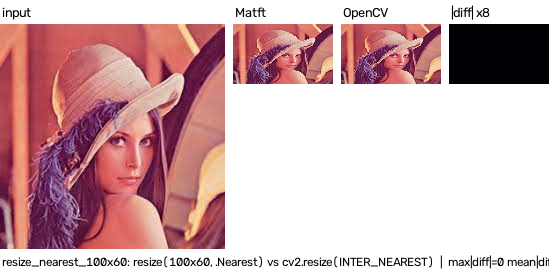
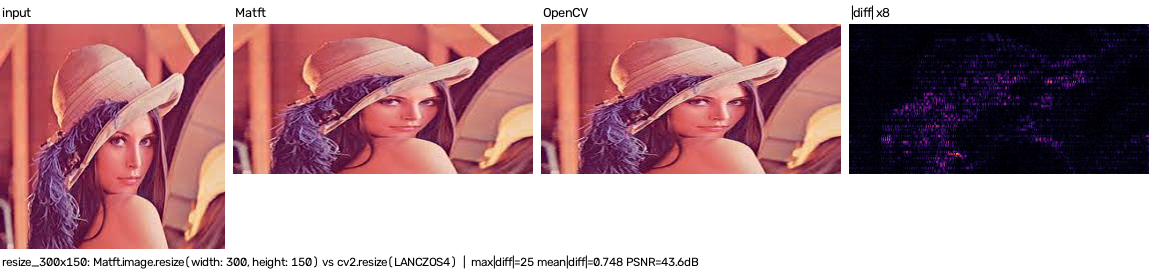
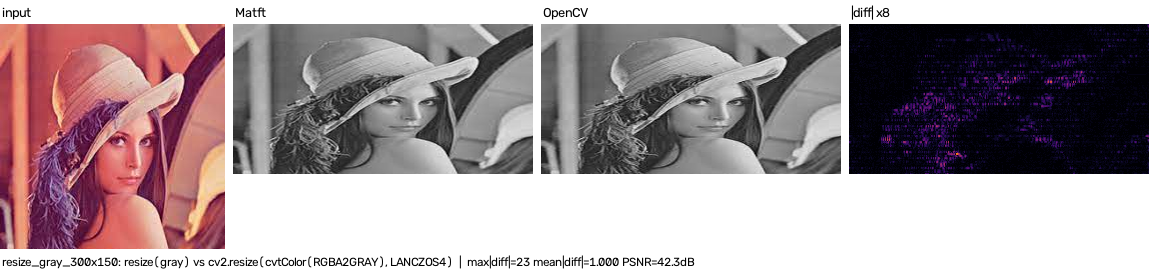
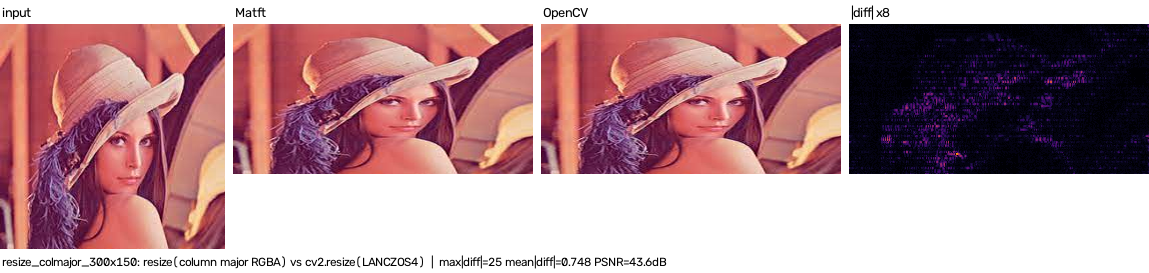
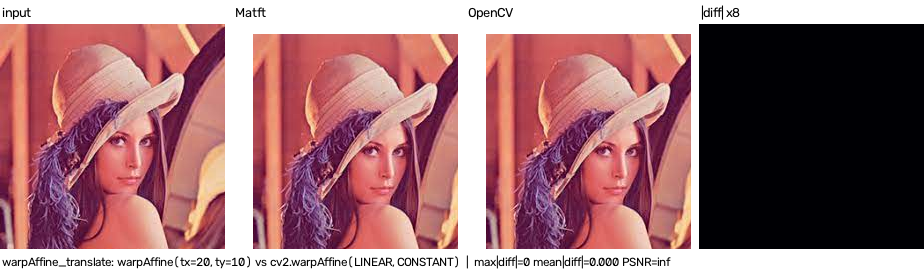
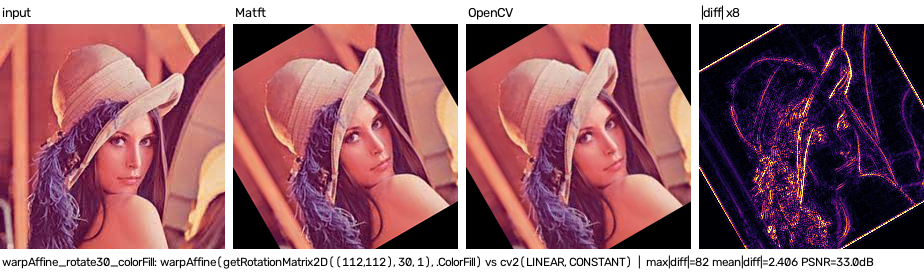
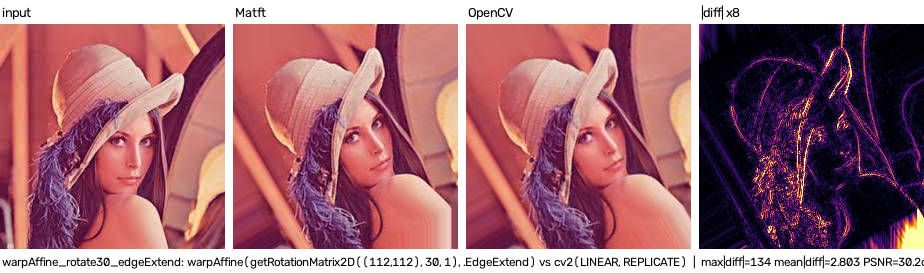
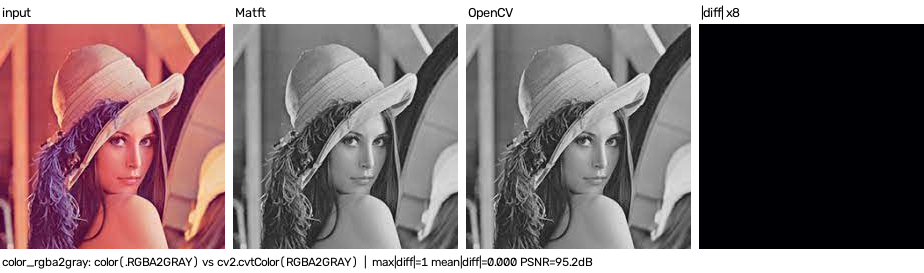
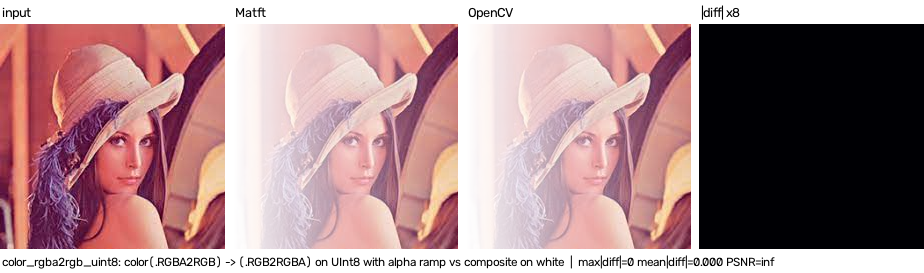
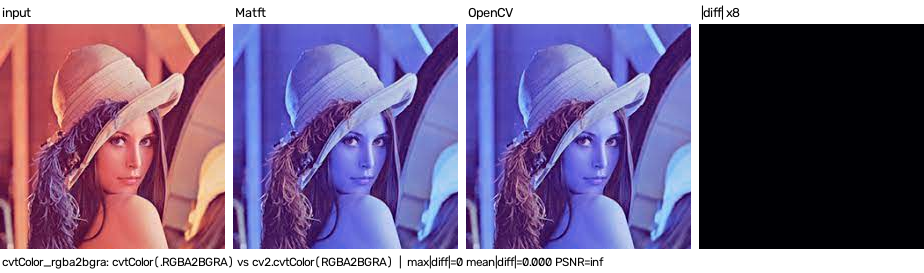
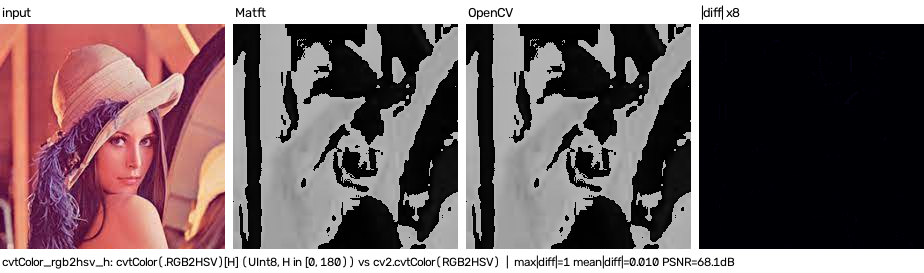
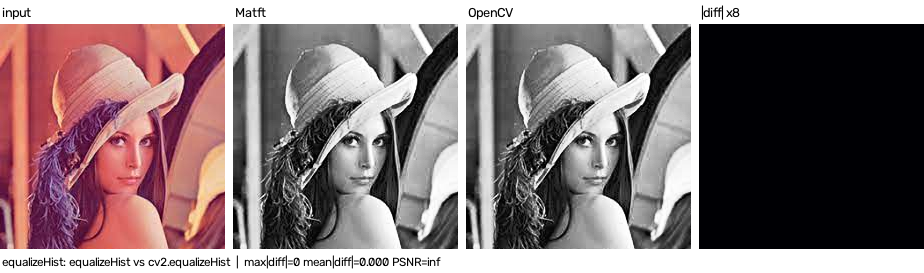
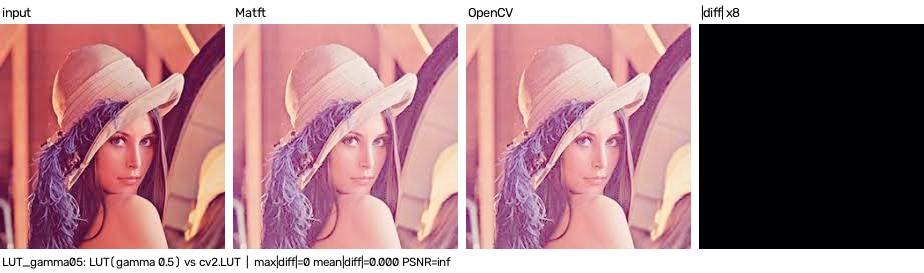
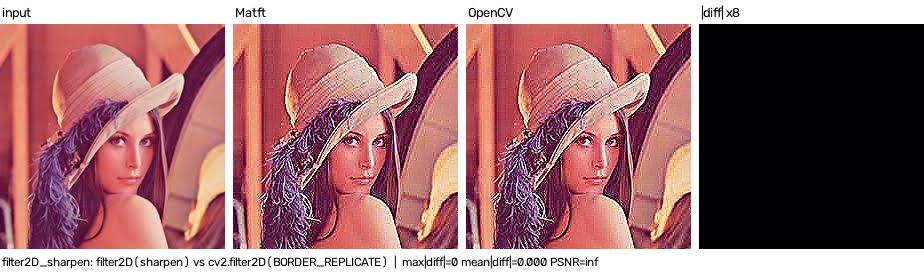
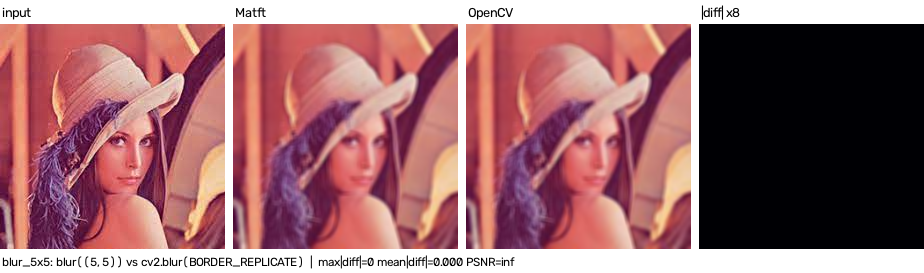
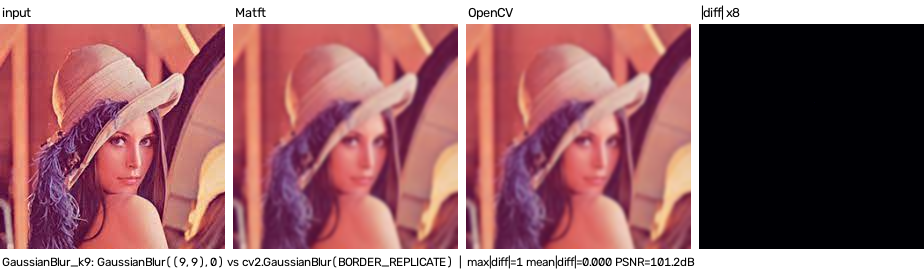
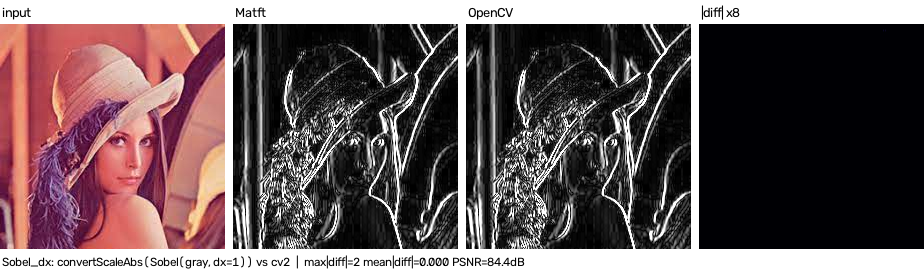
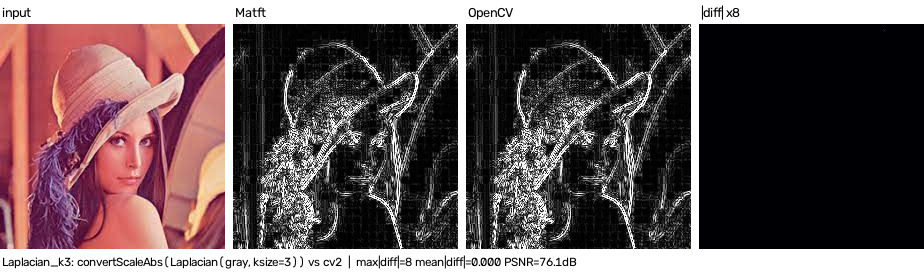
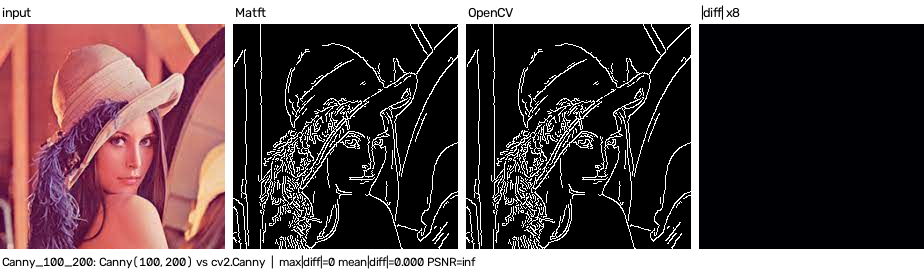
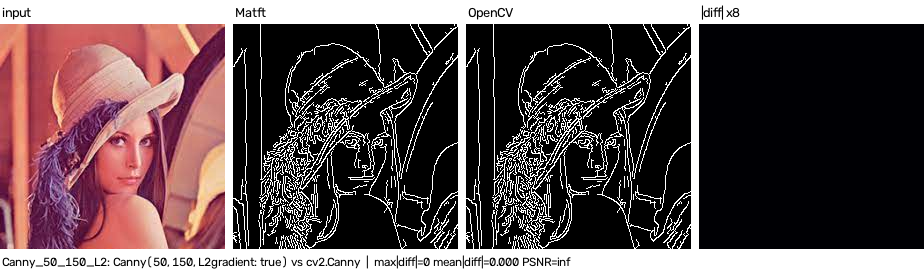
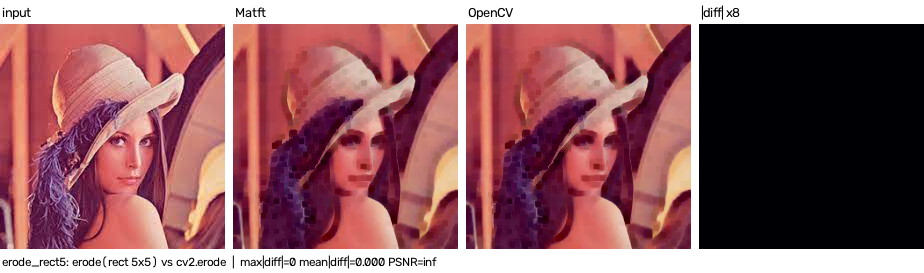
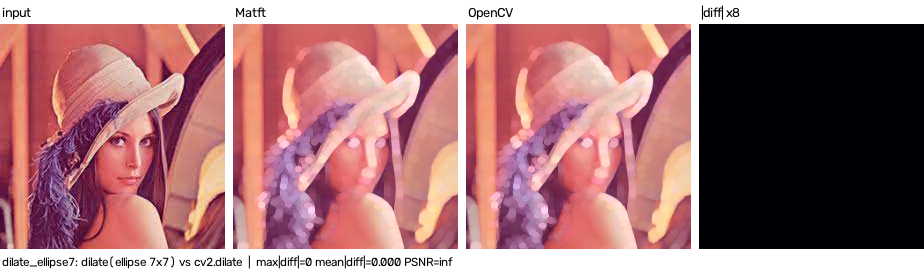
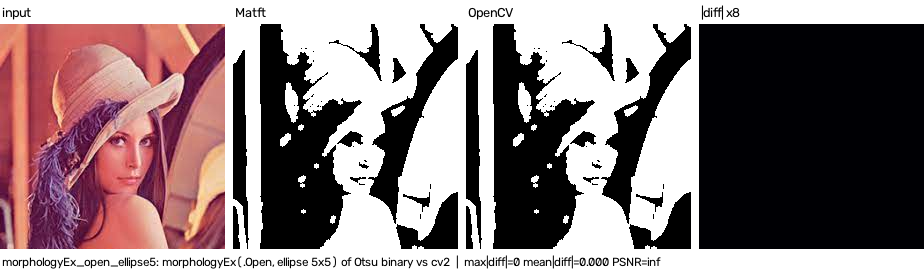
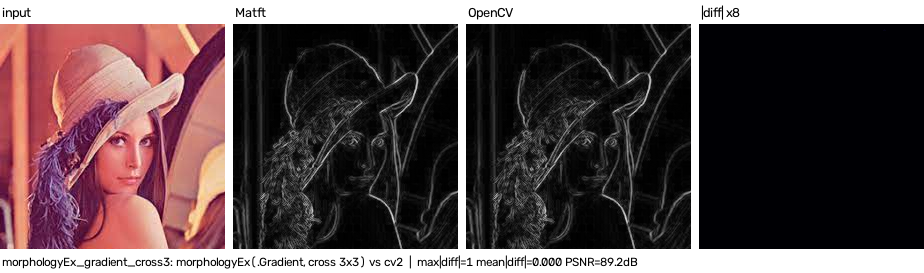
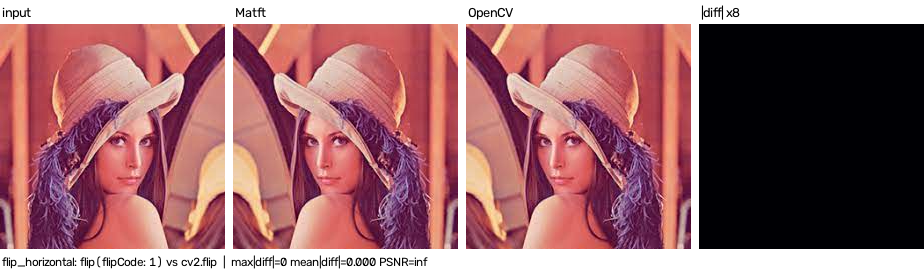
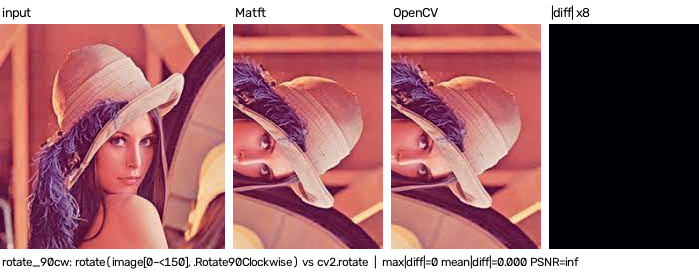
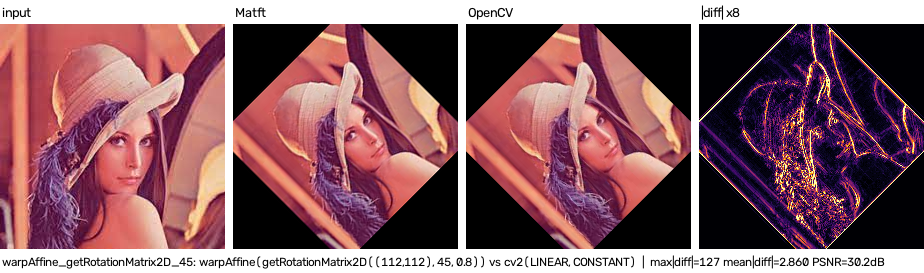
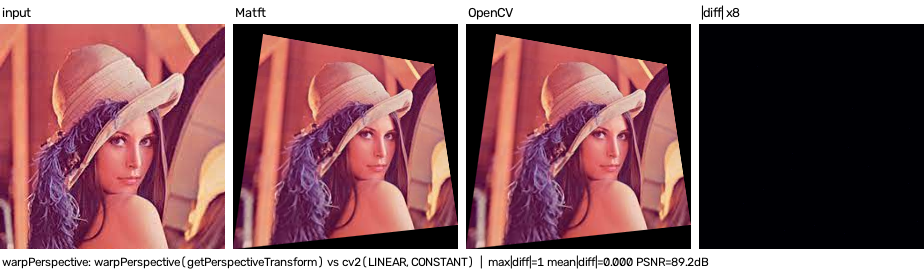
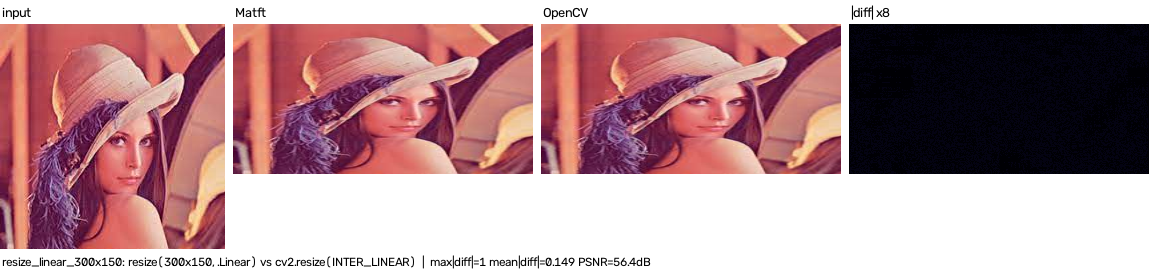
Each image function is tested in ImageTest.swift, and its output is compared with OpenCV's one (input | Matft | OpenCV | |diff| x8) by scripts/image_compare.py.
MATFT_IMAGE_SNAPSHOT=1 swift test --filter MatftTests.ImageTest
python3 scripts/image_compare.py
Matft.image.warpAffine's matrix has the same meaning ascv2.warpAffine's one after v0.3.3 (v0.3.3 and earlier swapped the off-diagonal elements and used a bottom-left origin).- Interpolations differ from OpenCV's ones (vImage), so the small differences along the edges are expected.
- Filters use
MfBorderType.Replicateby default, because OpenCV's default border (BORDER_REFLECT_101) is not supported by vImage.
resize(width: 300, height: 150)
resize (gray)
resize (column major)
warpAffine (translation)
warpAffine (rotation, .ColorFill)
warpAffine (rotation, .EdgeExtend)
color(.RGBA2GRAY)
color(.RGBA2GRAY, exclude_alpha: false)
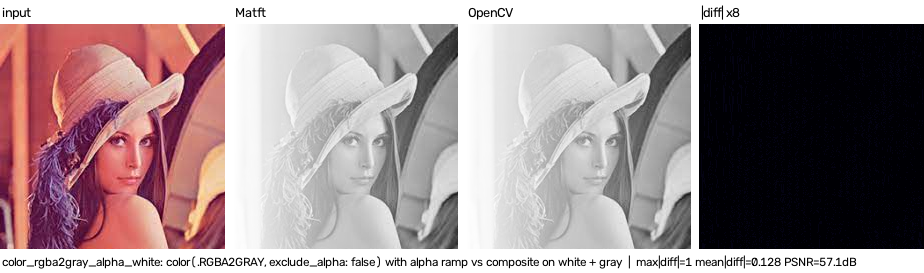
color(.RGBA2RGB) (UInt8)
cvtColor(.RGBA2BGRA)
cvtColor(.RGB2HSV) (H channel)
threshold(.Binary)
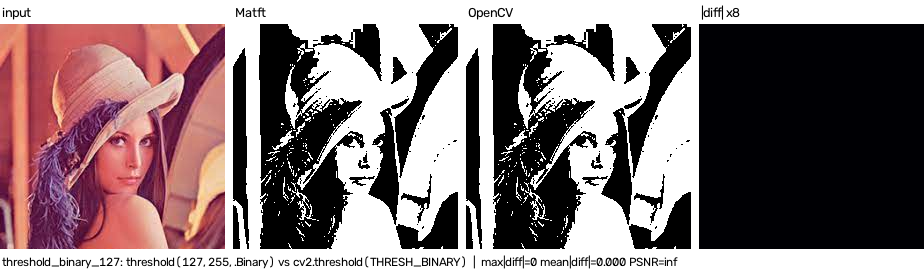
threshold(otsu: true)
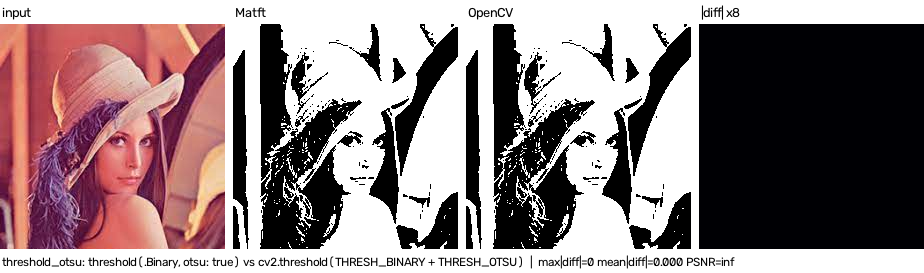
adaptiveThreshold(.Mean)
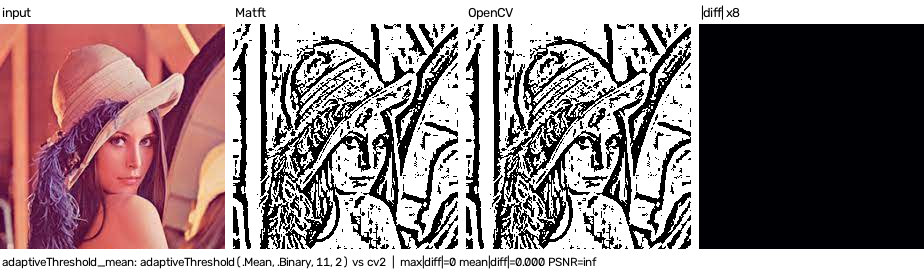
adaptiveThreshold(.Gaussian, .BinaryInv)
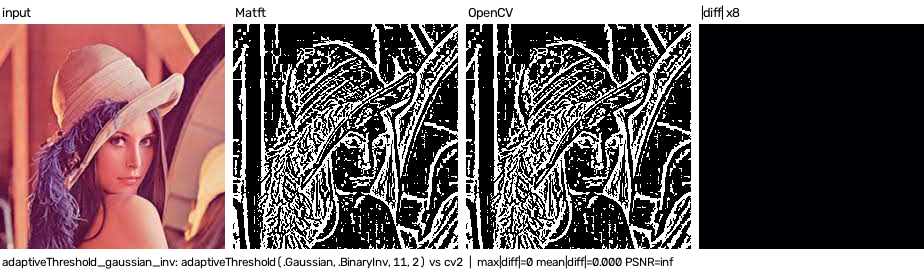
equalizeHist
LUT (gamma 0.5)
filter2D (sharpen)
blur((5, 5))
GaussianBlur((9, 9))
Sobel(dx: 1)
Laplacian(ksize: 3)
Canny(100, 200)
Canny(50, 150, L2gradient: true)
erode (rect 5x5)
dilate (ellipse 7x7)
morphologyEx(.Open)
morphologyEx(.Gradient)
flip(flipCode: 1)
rotate(.Rotate90Clockwise)
warpAffine(getRotationMatrix2D)
warpPerspective(getPerspectiveTransform)
resize(.Linear)
resize(.Nearest)